Have you ever visited a website, asked a simple question and received an instant answer? There’s a good chance a chatbot helped.
Chatbots can answer common questions, point people toward useful information and help businesses respond when a person isn’t immediately available. They can be useful, but they work best when they have a clear, limited job and an easy way to pass a conversation to a real person.
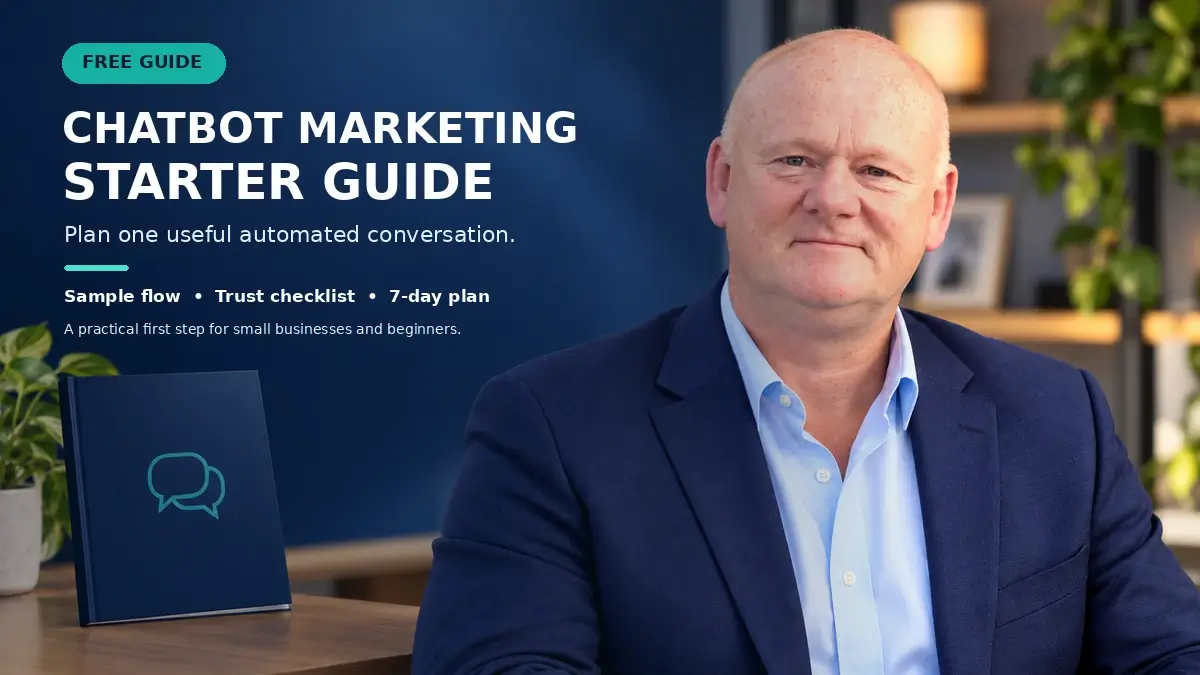
If you’re new to the subject, this guide explains chatbots in plain language and shows you how to think through a sensible first use. I’ve also put together a free Chatbot Marketing Starter Guide with a sample conversation flow, a trust checklist and a simple seven day plan.
What is a chatbot?
A chatbot is software that interacts with people through text or voice. It may appear in a website chat window, a messaging app or a social media direct message. Depending on how it is built, it can follow a set of rules, use artificial intelligence to interpret requests, or combine both approaches.
A basic rules based chatbot follows instructions such as: if someone chooses “Opening hours,” show the opening hours. An AI-enabled chatbot can interpret a wider range of wording and respond using information it has been given. Either way, the quality of the experience depends on the instructions, information and boundaries set by the business.
What can a small business use a chatbot for?
You don’t need to automate an entire customer service department. Start with one recurring, low risk task that a bot can handle clearly.
- Answering routine questions: Share information about opening hours, delivery areas, appointment availability or where to find a policy.
- Helping visitors find the right page: Offer a few choices and guide people to a relevant service, article or contact form.
- Collecting an enquiry: Ask for only the details needed to route the request, then explain what will happen next.
- Sharing a requested resource: Deliver a guide or checklist when someone asks for it, with clear information about any follow up.
- Sorting support requests: Identify the general topic and direct the person to the right team or next step.
These are starting points, not a reason to make every interaction automated. When a question is personal, sensitive, unusual or urgent, the bot should make it easy to reach a person.
Choose the first task before choosing the tool
It’s tempting to begin by comparing chatbot platforms. First, write down the task you want to improve. A useful starting brief answers four questions:
- Who will use it? For example, a new website visitor, an existing customer or someone making an enquiry.
- What are they trying to do? Keep the goal specific, such as finding a delivery answer or booking a consultation.
- What information can the bot safely provide? Use accurate, current material that you are comfortable making available.
- When should it hand over to a person? Define clear situations where the bot should stop, explain its limits and offer a human contact route.
This short brief helps you judge whether a tool is suitable and prevents you from building features before you know what the conversation needs to accomplish.
Map a simple conversation
A helpful first chatbot flow can be short. For example, a visitor asks about a service. The bot could:
- Greet the visitor and say plainly that it is an automated assistant.
- Ask one simple question to understand what the visitor needs.
- Provide a concise answer or link to the most relevant information.
- Offer a clear next step, such as viewing details or contacting the team.
- Make the human handoff visible if the answer doesn’t solve the problem.
Keep each message focused. Avoid asking several questions at once, using fake typing delays to suggest a human is present, or trapping people in a loop. A visible “talk to a person” option is part of a good experience.
Build trust into the experience
Automation should make it easier for people to get help, not obscure who they’re speaking with or what happens to their information. Make the bot’s automated nature clear. Ask only for information that is genuinely needed, explain why you need it, and tell people how they can continue with a person.
If the conversation collects personal information or triggers marketing follow up, check that the process and wording meet the privacy and consent requirements that apply to your business. Avoid asking a chatbot to make high impact decisions or provide advice that requires a qualified professional unless the system has been properly designed, reviewed and supervised for that purpose.
Test it before you share it
Before launch, ask someone unfamiliar with the flow to try it. Give them a real task, then watch where they hesitate or choose an unexpected response. Test questions the bot should answer, questions it should hand off, spelling variations and attempts to leave the conversation.
After launch, review a small set of practical measures, such as:
- Whether people reach the information or action they came for
- Where conversations commonly stop
- How often the bot cannot answer and needs to hand off
- Whether visitors use the human contact option
- Feedback or complaints about the interaction
These measures help you find friction. They are not guarantees of more leads or sales. Use what you learn to improve one part of the conversation at a time, and keep the information behind the bot up to date.
Start small and improve from real questions
A chatbot doesn’t need to be complicated to be useful. Pick one repeated question or straightforward task, prepare an accurate answer, define the human handoff and test the flow with real people. Expand only when you can see that the first version is helping visitors.
To make planning easier, download the free Chatbot Marketing Starter Guide. It includes a sample flow, a trust checklist and a seven day plan to help you take a practical first step.
Get the free Chatbot Marketing Starter Guide
Educational information only. Chatbot capabilities and legal requirements vary by tool, business and use case. Review your provider’s documentation and applicable privacy, accessibility and consumer protection requirements before deployment.