You check your results and see that people are clicking.
For a moment, that feels encouraging. Someone noticed your content. Someone followed your link.
But the sign-ups or sales you hoped for still aren’t happening.
So you change the headline. Move the button. Replace the image. Perhaps rewrite the whole page.
Then you wait again, without knowing whether you improved anything.
How do you find out what helps people take the next step without rebuilding everything or paying for more traffic?
Split testing can help you answer that question.
It gives you a structured way to compare two approaches instead of relying entirely on instinct.
But it needs careful handling. A few extra clicks can look like a breakthrough when they are simply normal variation.
If you are new to affiliate marketing—or starting again after a disappointing attempt—the aim is to learn something useful without turning your website into another endless experiment.
What is split testing, in plain English?
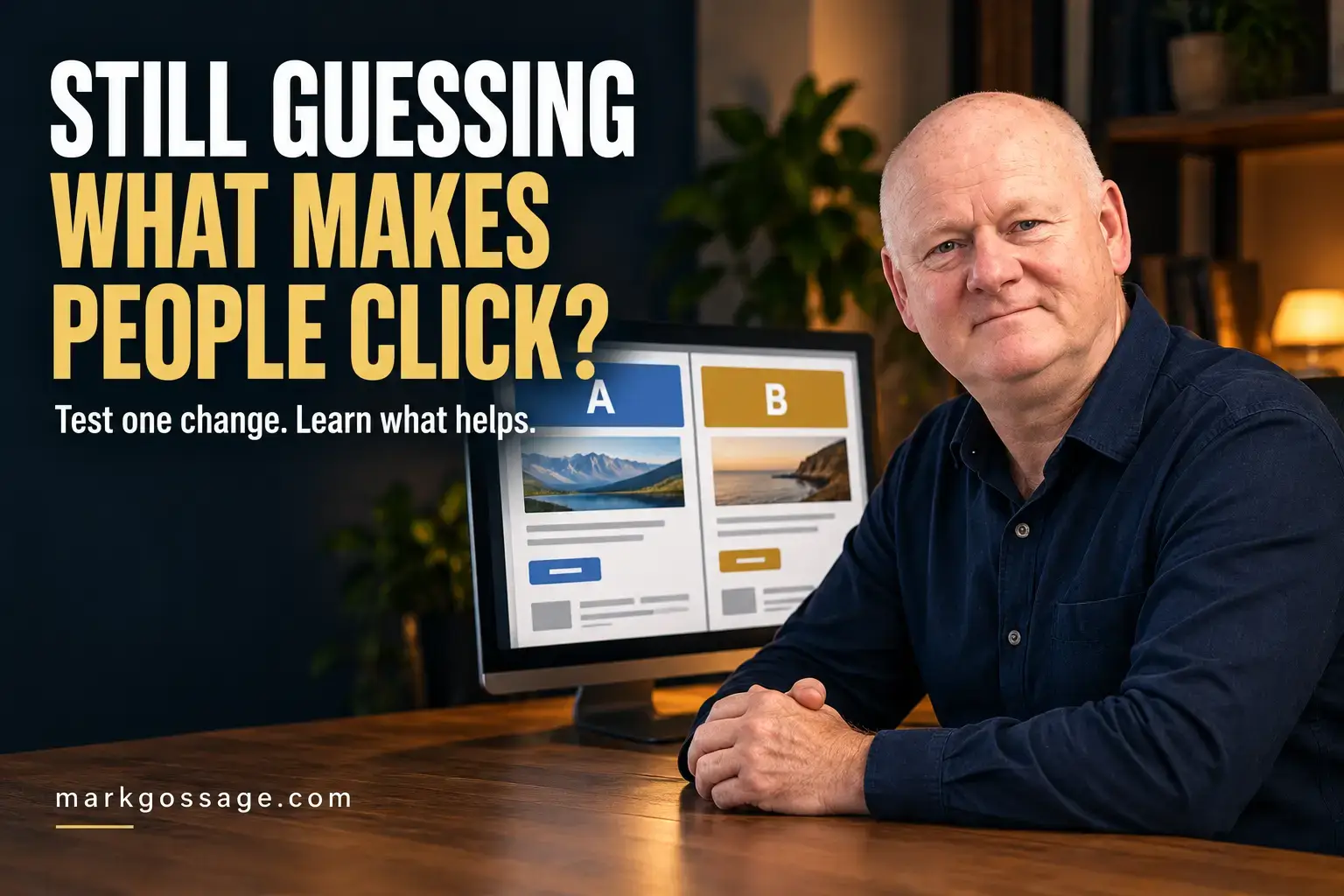
Split testing, also called A/B testing, means showing two versions of something to comparable groups of people and measuring the result.
Version A is usually your existing version.
Version B contains the change you want to test.
For example, you could compare two headlines on your free guide page:
- Version A: “Get My Free Business Guide.”
- Version B: “Understand What Your Business Needs Before Buying More Tools.”
The rest of the page stays the same.
You then compare how often visitors complete the action you care about, such as confirming their email subscription.
A proper A/B test normally assigns eligible visitors randomly to the versions during the same period. This helps reduce differences caused by who arrives and when.
The purpose is to answer a specific question about your audience—not find a magic phrase that works everywhere.
First, check whether anything is broken
Testing a headline is not the first priority if the form doesn’t submit or the guide never arrives.
Before running an experiment, follow the complete journey:
- Open the page on your phone and computer.
- Check that the main message and button are readable.
- Submit the form using an email address you control.
- Check the confirmation instructions.
- Confirm your subscription if required.
- Open the delivery email and access the resource.
- Check the relevant follow-up links.
Repair clear faults first.
You don’t need an experiment to establish whether a broken link should be fixed or whether an inaccurate promise should be corrected.
Choose the result you actually want
A conversion is the action you have chosen to measure.
It might be a confirmed subscription, a suitable enquiry or a completed purchase.
For affiliate marketing, you also need to distinguish between:
- A visitor clicking your recommendation.
- A purchase being recorded.
- A commission being approved.
- A commission actually being paid.
Those are different stages.
A page that generates more affiliate clicks does not necessarily generate more sales or paid commissions.
Likewise, a guide page that attracts more form submissions may not produce more confirmed subscribers.
Decide which result matters before looking at the numbers.
Choose one main measure
For a guide page, your main measure could be:
Confirmed subscriptions divided by visitors assigned to that version.
You can also watch supporting measures, such as form submissions, unsubscribes and relevant replies.
These help you notice whether an apparent improvement creates another problem.
For example, a dramatic headline might attract more sign-ups but also more complaints if it gives people the wrong expectation.
Write down why the change might help
Before editing the page, finish this sentence:
“I think changing ______ will help ______ because ______.”
For example:
“I think explaining the guide’s practical benefit will help more suitable visitors subscribe because the current headline only says that it is free.”
This gives the test a reason.
If the result is unclear, you can still review whether the explanation addressed a genuine reader concern.
A random button colour change may produce a result, but it often teaches you less about why people hesitate.
What should you test first?
Start with changes that address an identifiable uncertainty or obstacle.
1. The main explanation
Can visitors quickly understand who the offer is for and what it helps with?
Compare a general statement with a more specific explanation, while keeping both accurate.
Avoid using an exaggerated promise simply because it might attract attention.
2. What the person will receive
Readers may hesitate because they cannot picture the resource.
You could test a brief description against a clear list of its main topics.
The question is whether that extra explanation helps people make a decision.
3. The call to action
A call to action tells someone what to do next.
“Continue” can be vague.
“Request the Free Guide” describes the action more clearly.
Make sure the wording matches the process. If someone must confirm their email address before receiving the resource, avoid implying that clicking immediately opens the download.
4. Form instructions and effort
Do visitors understand what information they need to provide and what happens afterwards?
You might compare two clear ways of explaining confirmation, or test whether removing a genuinely unnecessary field helps.
Keep information that is needed for the service or permission process.
5. Images that support understanding
An image should help explain the offer or make the page easier to understand.
You might compare an image of the resource with a relevant photograph.
Avoid changing the headline and image together if your question is specifically about the image.
Change one thing when you want a clear lesson
If you change the headline, layout, image and button at once, you are comparing two packages.
That can be a valid experiment, but it will not tell you which individual change caused any difference.
For beginners, one focused change is usually easier to manage and interpret.
Keep the offer, price, traffic sources and other important conditions as consistent as practical.
Make the test simple enough that you can explain what you were investigating.
Compare the versions fairly
Showing Version A this week and Version B next week is a before-and-after comparison.
It can provide useful observations, but other things may have changed between the weeks:
- The source of visitors.
- The message introducing the page.
- The days and times people arrived.
- A promotion or seasonal event.
For a stronger comparison, use a testing setup that randomly assigns visitors to the versions during the same period.
Where possible, returning visitors should continue seeing their assigned version. Your measurement should use the same counting method for both groups.
Record any unusual event that could affect the result.
If your tools only support a before-and-after comparison, describe it honestly. Avoid treating every change in performance as proof that your edit caused it.
There is no universal number of visitors that proves a winner
You may hear that a landing-page test needs 100 or 200 visitors per version.
Those numbers are not a general rule for reliable conclusions.
The amount of data you need depends on factors including:
- Your existing conversion rate.
- How large an improvement you want to detect.
- How much uncertainty you are willing to accept.
- The statistical method used to assess the result.
A small improvement can require much more data than a large one.
Before starting, use your testing tool’s planning guidance or a suitable sample-size calculator. If the terminology is unfamiliar, get help interpreting it rather than accepting a result label without understanding it.
Set a stopping plan before you begin
For a conventional fixed-sample test, decide the planned sample and duration in advance. Give the test enough time to cover relevant patterns, such as different days of the week.
Stopping the moment your preferred version appears ahead can make the conclusion unreliable.
Some testing tools use methods designed for ongoing monitoring. Follow the stopping rules for the method your tool actually uses.
You can still stop a test if something is broken, misleading or causing a serious problem. Protecting the visitor experience comes first.
Understand the difference between a lead and a clear result
Imagine these results:
- Version A: 100 visitors and five confirmed subscribers.
- Version B: 100 visitors and seven confirmed subscribers.
Version A has a 5% confirmed sign-up rate.
Version B has a 7% confirmed sign-up rate.
Version B is ahead in the observed results. But two additional subscriptions from a small sample do not automatically establish that it will perform better in future.
Chance could explain some or all of the difference.
“Ahead so far” and “supported by enough evidence” are different conclusions.
A good review considers the size of the difference and the uncertainty around it, rather than looking only at which number is larger.
Watch out for impressive-looking percentages
Percentages can make a small change sound much bigger than it feels in practice.
If a conversion rate rises from 5% to 6%, that is:
- A one percentage point increase.
- A 20% relative increase.
At 1,000 visits, those rates would mean 50 versus 60 conversions.
This is an illustration, not a prediction.
Both percentage descriptions are correct, but showing the actual numbers helps you understand the practical difference.
Also remember that more leads do not automatically mean the same percentage increase in sales or profit.
What if your website has very little traffic?
You do not need to buy advertising simply to make a test reach its sample target.
If traffic is low, formal split testing may be a poor use of your time right now.
You can still improve the experience by:
- Checking the page and form on different devices.
- Asking a few suitable people what they think the offer includes.
- Reading subscriber questions and replies.
- Making vague wording more specific.
- Explaining the next step clearly.
- Removing unnecessary effort.
For example, ask someone unfamiliar with the page:
“What do you think you will receive, and what do you expect to happen after you sign up?”
Their answer can reveal a misunderstanding worth addressing.
Record the improvement and watch what happens. Just avoid presenting the observation as a proven A/B test result.
Testing emails: keep the promise and the result connected
You can compare subject lines, email introductions or calls to action.
Choose one main question, such as whether a clearer subject line leads to more readers clicking the guide link.
Use comparable subscriber groups and keep other important conditions consistent.
Open rates need cautious interpretation because email privacy features and image-loading behaviour can affect recorded opens. Click tracking can also include automated activity.
Where available, look at meaningful actions beyond the tracking number: resource access, replies, purchases or other relevant outcomes.
A subject line that attracts curiosity but disappoints people when they open the email may harm the experience.
The wording should help readers recognise useful content and accurately represent what is inside.
Remember what you can control as an affiliate
You can often improve your own articles, recommendation pages, emails and guide sign-up process.
You usually cannot edit the seller’s checkout or sales page.
If your affiliate clicks increase but purchases do not, the next question may involve:
- Whether the product fits your audience.
- Whether your explanation sets accurate expectations.
- The price and purchase requirements.
- The seller’s page and checkout experience.
- Whether the available tracking captures the journey properly.
A more persuasive button cannot fix every problem after the click.
Use the information available through your affiliate programme, while recognising that it may not show the complete customer journey.
Keep a short testing record
A simple record prevents you from repeating experiments or forgetting why you made a change.
- Page or email: What are you testing?
- Question: What do you want to learn?
- Version A: What is the current approach?
- Version B: What is changing?
- Main measure: Which action defines the result?
- Assignment: How will people enter each group?
- Stopping plan: How will you decide when to assess it?
- Observations: Were there technical problems or unusual events?
- Conclusion: Supported improvement, no clear difference or insufficient information?
- Next action: Keep, revise, investigate or stop?
An inconclusive result is a valid conclusion.
If there is no clear difference, you may prefer the version that is easier to understand, more accessible or simpler to maintain. Be clear that this is a practical choice rather than a proven conversion improvement.
Don’t turn improvement into endless tinkering
If you are starting again, it is easy to hope that one better headline will finally make everything work.
That hope can keep you editing a page instead of checking whether people need the offer.
Split testing works best as part of a broader business process: understand the audience, offer something suitable, deliver it properly and review what happens.
It does not replace those foundations.
Choose one worthwhile question. Run a manageable experiment when you have suitable traffic and tools. Record the lesson, then return to the rest of your business.
Get clearer about the foundations first
If you are unsure how your website, email list, content and offers fit together, testing individual buttons can feel like solving the wrong problem.
My free Business Essentials Guide explains what a business needs and why.
It gives beginners and people starting again a clearer place to begin before adding more software, spending on traffic or rebuilding another page.
Understand the purpose of each part first. Then you can choose improvements that support the business you are trying to build.
Your first useful step
Open one important page and ask:
“What might a suitable visitor still be unsure about?”
Look for a specific issue: an unclear benefit, a vague button, missing information or confusing confirmation instructions.
Fix obvious problems. If you have the traffic and setup for a fair test, compare one focused change.
If you need a clearer starting point, request your free Business Essentials Guide here.
You do not have to keep guessing or changing everything. Give yourself one clear question, a sensible way to assess it and room to learn from the answer.